
Retail and ecommerce workflow
A reviewable lifestyle-scene workflow for furniture retail and ecommerce
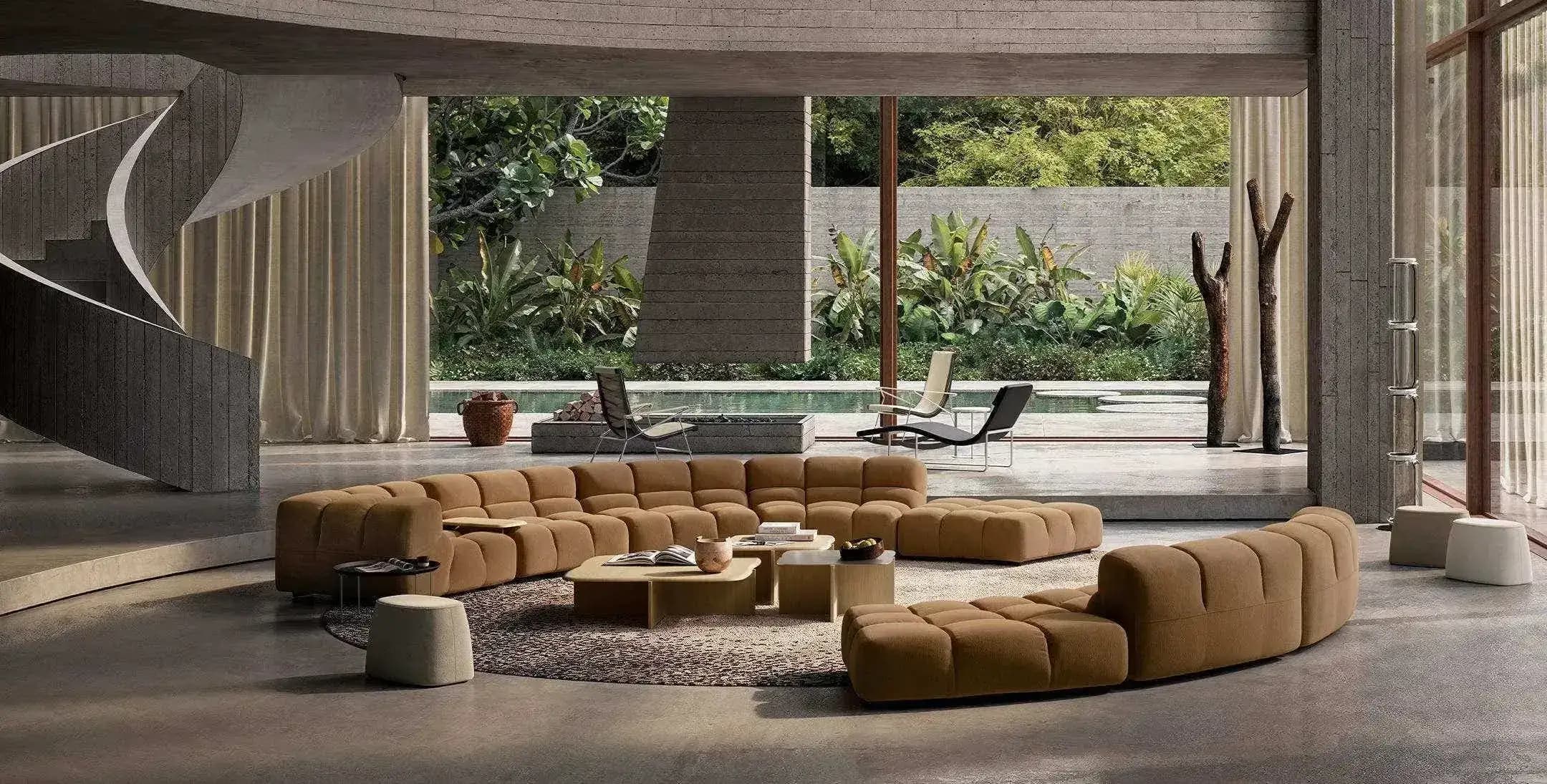
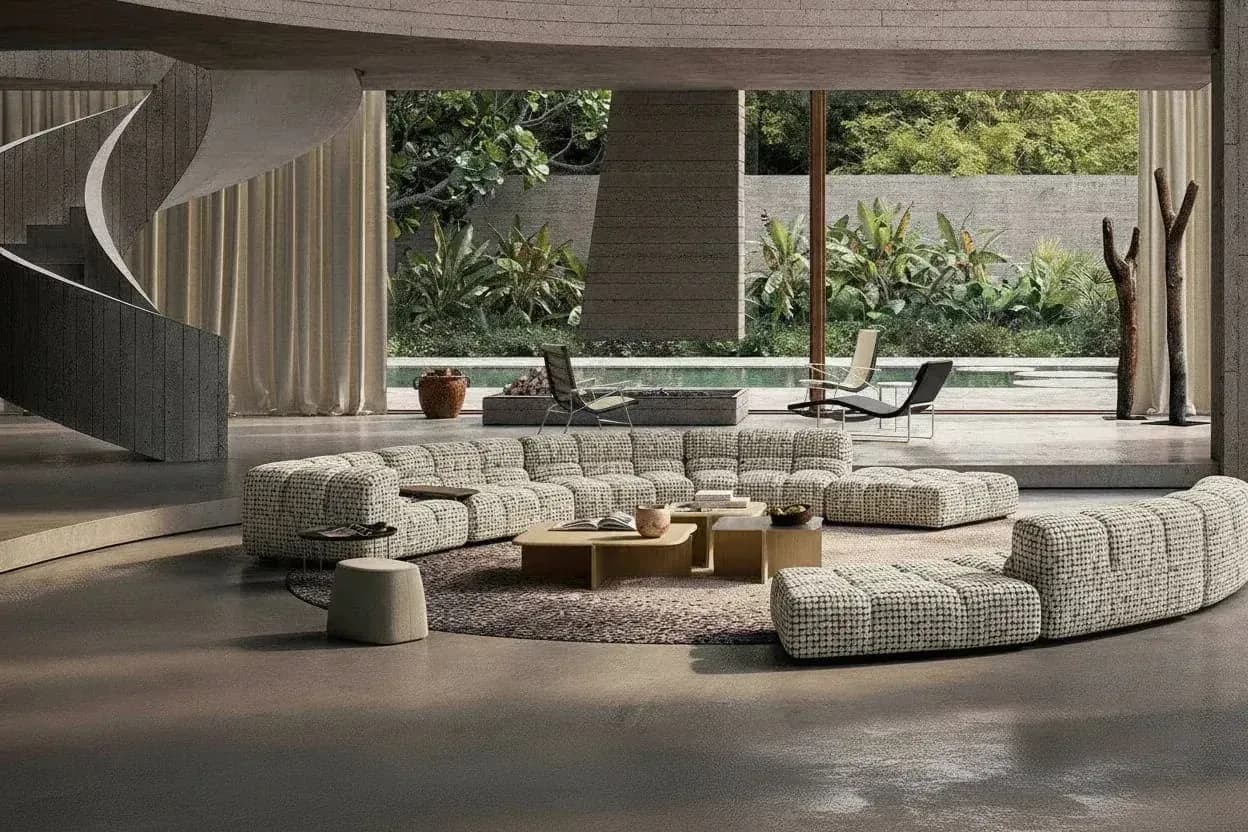
Use an identified furniture product image, a scene brief, and channel specifications to create an interior-scene candidate. Check product truth and channel requirements before handing it into the commerce-content process; a scene candidate is not automatically compliant, dimensionally exact, or suitable as primary product imagery.
By XinVise TeamPublished Updated
Built for this workflow
- Bind the scene candidate to the correct SKU and source
- Review product truth before décor appeal
- Keep channel, crop, disclosure, and rejection reasons visible
Define the asset's role before generating
State whether the output is a supporting product-page image, a catalog or proposal candidate, or another bounded use. Record the SKU, product name, supplied dimensions, finish, target channel, aspect ratio, room type, style, lighting, color direction, room width and depth, and any product features that must remain unchanged. These inputs mirror the current scene workflow; they do not imply a PIM, DAM, ERP, or API handoff.
- Keep the complete source product image with the candidate
- Treat supplied dimensions as workflow inputs, not measurements proved by the image
- Name the platform, region, and advertising context for review
Generate a coherent room-scene candidate
Upload one or more identified products, fill the current name and dimension fields, and set the room, style, lighting, color, and space controls. Add a reference image only when it clarifies the brief. Generate a small comparable set instead of treating the UI as a promise of catalog-scale capacity.
- Keep the scene brief stable while comparing candidates
- Check floor contact, perspective, shadow direction, occlusion, and apparent scale
- Use photography, 3D, or controlled retouching when product truth is mandatory
Run product and channel QA before handoff
A merchandising or product owner checks SKU identity, structure, proportions, material, hardware, text, and logos. Content QA checks crop, whitespace, lighting, and composition. A channel owner checks the actual platform and region's primary/supporting-image and disclosure requirements. Record pass, hold, reject, or retouch with the reason, then hand the source, scene brief, candidate, and review date into the existing content process.
- Compare at the target display size and preserve the original product image
- Do not generalize Google Merchant Center guidance to every channel
- Reject candidates that change the product or hide a decisive feature
Recommended process
- 01
Define the channel role
Name the intended image role, SKU, dimensions, channel, crop, and product invariants.
- 02
Set the scene brief
Upload the product and configure room, style, lighting, color, space, and optional reference controls.
- 03
Generate a candidate
Create a bounded scene candidate and compare it with the unchanged product source.
- 04
Approve or route
Record product and channel QA, then hand off, retouch, reject, or return to photography or 3D as appropriate.
Sources and method
These primary sources support method and platform constraints; they are not third-party endorsements of XinVise product outcomes.
- Product image requirements
Google Merchant Center
Provides Google-specific product-image accuracy and presentation context; it is not universal platform or regional policy.
- GS1 Product Image Specification
GS1
Provides a reference for product views, identifiers, and image-asset governance; it does not prove generated-scene product truth.
Frequently asked questions
Can a scene candidate be the primary ecommerce image?
Not automatically. The channel owner must check whether the actual platform, region, and advertising context require direct product evidence, disclosures, or another production method. Keep the original product image available.
What if product dimensions are missing or wrong?
Hold the candidate until the product owner supplies checkable identity and dimensions. The scene workflow uses supplied fields; the generated image does not prove measurement accuracy.
How should several SKUs keep one scene direction?
Write one bounded brief with fixed room, style, lighting, crop, and review criteria, then retain each SKU's source and parameters. Review product truth separately for every candidate.
When should the team return to photography or 3D?
Use a more controlled method when the scene changes product identity, exact scale, construction, logos, required views, or a channel's direct-product evidence cannot be safely reviewed.
Create a first scene candidate
Start from a real product photo and review it against the product-truth checklist before deciding whether it belongs in commerce content.
Open the scene workflow