
AI upholstery visualization
Preview a new fabric on furniture before committing to a sample
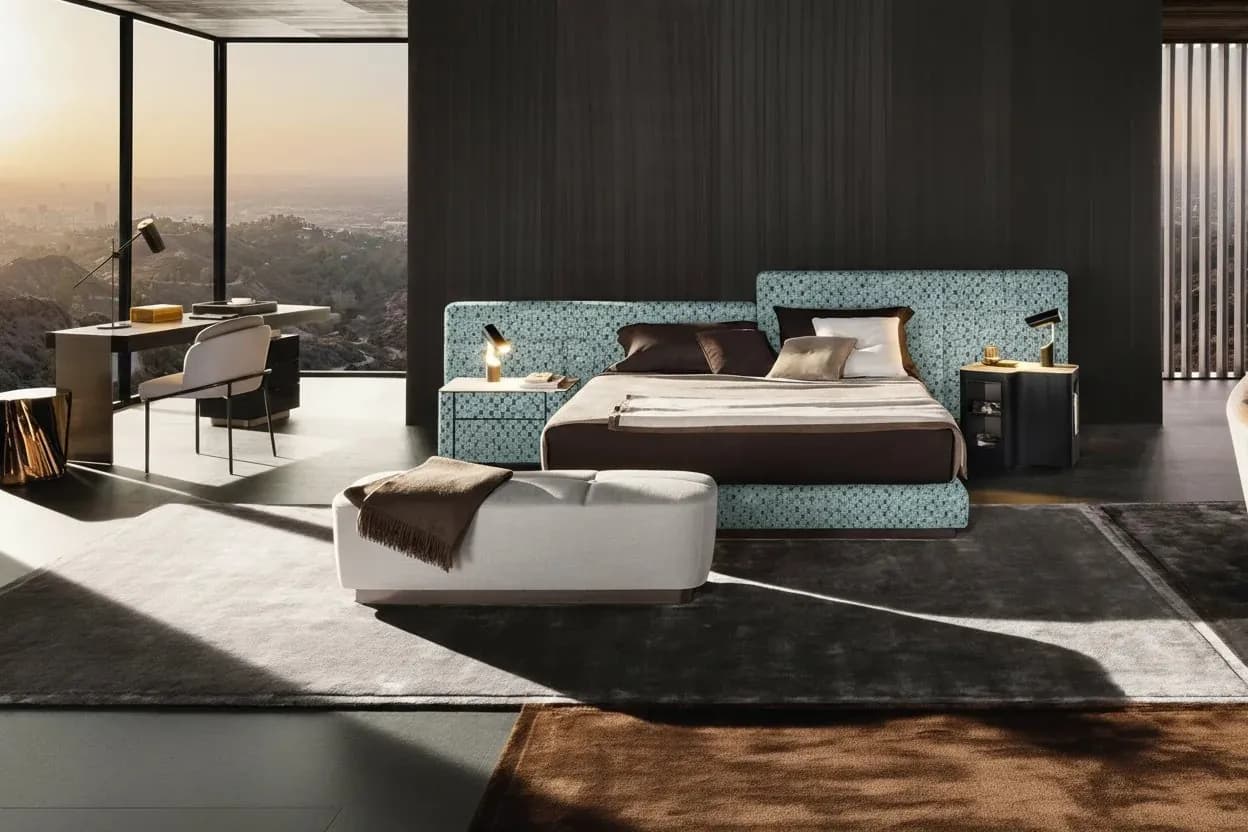
An AI furniture fabric visualizer combines a furniture photo with a selected catalog fabric image to create a visual preview of the same product in a different upholstery. XinVise keeps the main composition of the source image so furniture teams, textile sellers, and customers can compare visual direction before physical sampling or a new photo shoot.
By XinVise TeamPublished Updated

Built for this workflow
- Compare the original and generated result in one workflow
- Choose the Standard or Pro generation mode
- Download candidates for proposals and internal review
What problem does a furniture fabric visualizer solve?
Furniture makers, stores, and fabric brands repeatedly need to answer one question: what will this textile look like on this product? Shipping samples, upholstering a prototype, rebuilding a render, or retouching every option can be expensive. An AI preview belongs before those higher-cost steps, where it can narrow the options worth validating.
XinVise is a visual decision aid, not a substitute for production sampling. It is most useful for early visual selection, sales conversations, merchandising proposals, and content exploration. Generation requires sign-in and available credits; invalid or oversized images, rate limits, or provider failures can stop a request. If that happens, replace the input or retry rather than treating the absence of a result as a product judgment.
- Compare color and upholstery directions on sofas, lounge chairs, and upholstered beds
- Show customers several textile candidates from one product photo
- Shortlist visual directions before sampling or photography
How should furniture and fabric images be prepared?
Input quality sets the ceiling for the preview. Clear product edges, visible upholstered surfaces, and stable lighting help the model identify the area to change. A fabric sample should be photographed flat, evenly lit, and with enough detail to recognize its weave or pattern.
- Avoid heavy occlusion, clipping, and overexposure
- Photograph textile samples front-on without strong perspective
- Verify scale, repeat, seam direction, and placement for patterned fabrics
- Use the same furniture source image when comparing a collection
Where can the result fit in a business workflow?
Generated candidates can support sales proposals, internal range reviews, social-content drafts, and customer discussions. Teams that need many SKU and fabric combinations, a controlled brand fabric library, or system integration can evaluate the enterprise workflow after proving the single-image use case.
Recommended process
- 01
Upload the furniture photo
Choose an image with a complete outline, visible upholstery, and stable lighting.
- 02
Select an available catalog fabric
Choose an available catalog fabric from the selector.
- 03
Generate and compare
Choose Standard or Pro, generate a preview, and compare it with the source image.
- 04
Review before publishing
Check scale, seams, color, structure, and brand requirements before sampling or external use.
Workflow comparison
| Workflow | Best stage | Important caveat |
|---|---|---|
| AI fabric preview | Early filtering, proposals, and option comparison | A visual preview that still needs human review |
| Photoshop retouching | Precise regional edits with a defined delivery spec | Requires skilled, image-by-image work |
| Physical sample and reshoot | Final material confirmation and production content | Requires samples, time, and photography resources |
Frequently asked questions
Can I change the fabric on a sofa or chair photo?
The public flow lets you upload and crop a furniture photo, then choose an available catalog fabric for a visual upholstery preview on sofas, chairs, upholstered beds, and similar products. A clear subject and visible upholstered areas usually produce more useful comparisons.
Will a pattern be exactly the same scale as the real fabric?
Not necessarily. Pattern scale, repeat, piping, folds, seams, and placement still need to be checked against the physical textile and upholstery specification.
Can the generated image be used as production approval?
It should not be the only approval source. Use it for early visual communication; confirm color, weave, physical properties, and construction with real samples and production specifications.
Can an enterprise use its own fabric library?
XinVise can evaluate a branded fabric library, batch image production, and API integration. Data formats, rights, quality rules, and delivery scope are agreed for each project.
Try it with your own furniture photo
Start with one furniture image and one fabric to validate the visual direction.
Try the fabric visualizer