
Furniture input guide
How to Photograph Furniture for AI Visualization
Use a sharp, complete product photo with visible edges and identity details, stable lighting, and limited occlusion. A white background is not required. The photograph is an input for a visual candidate, not proof of dimensions, material accuracy, or unchanged product identity.
By XinVise TeamPublished Updated
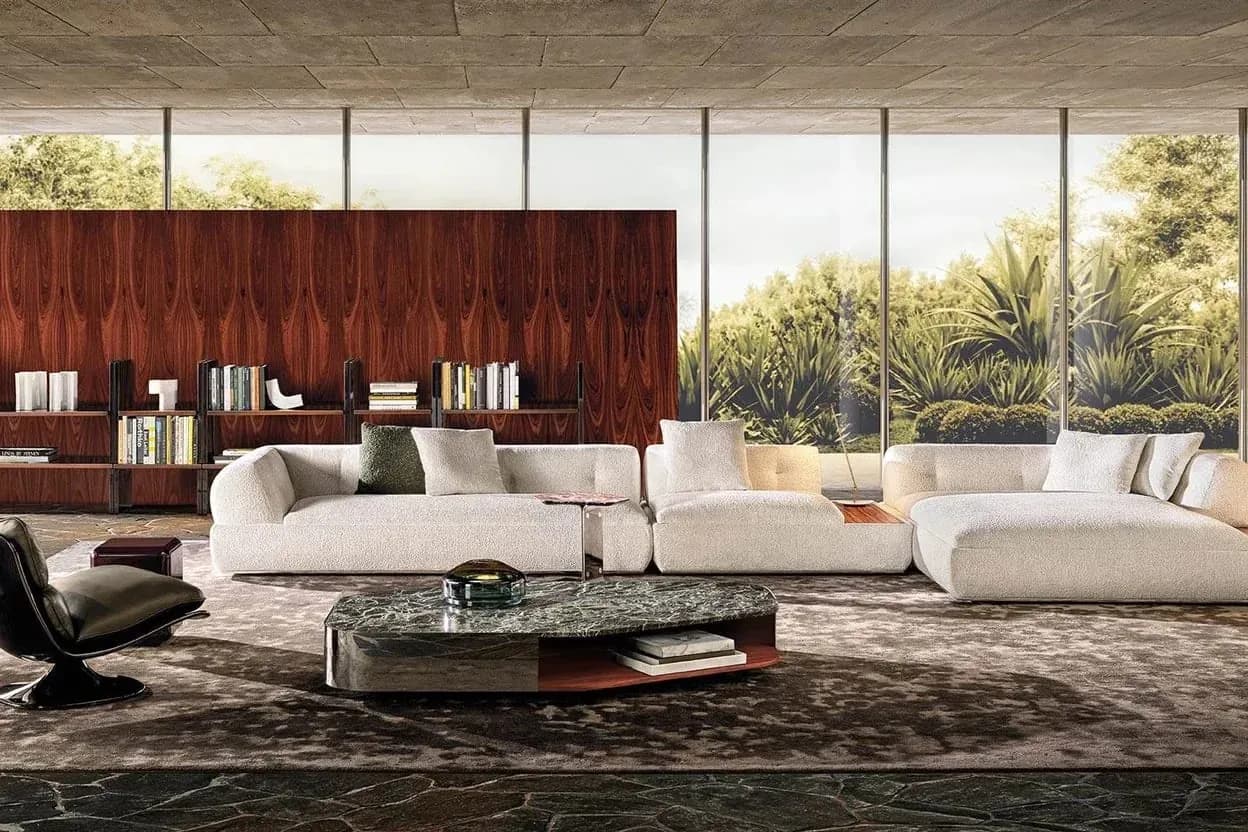
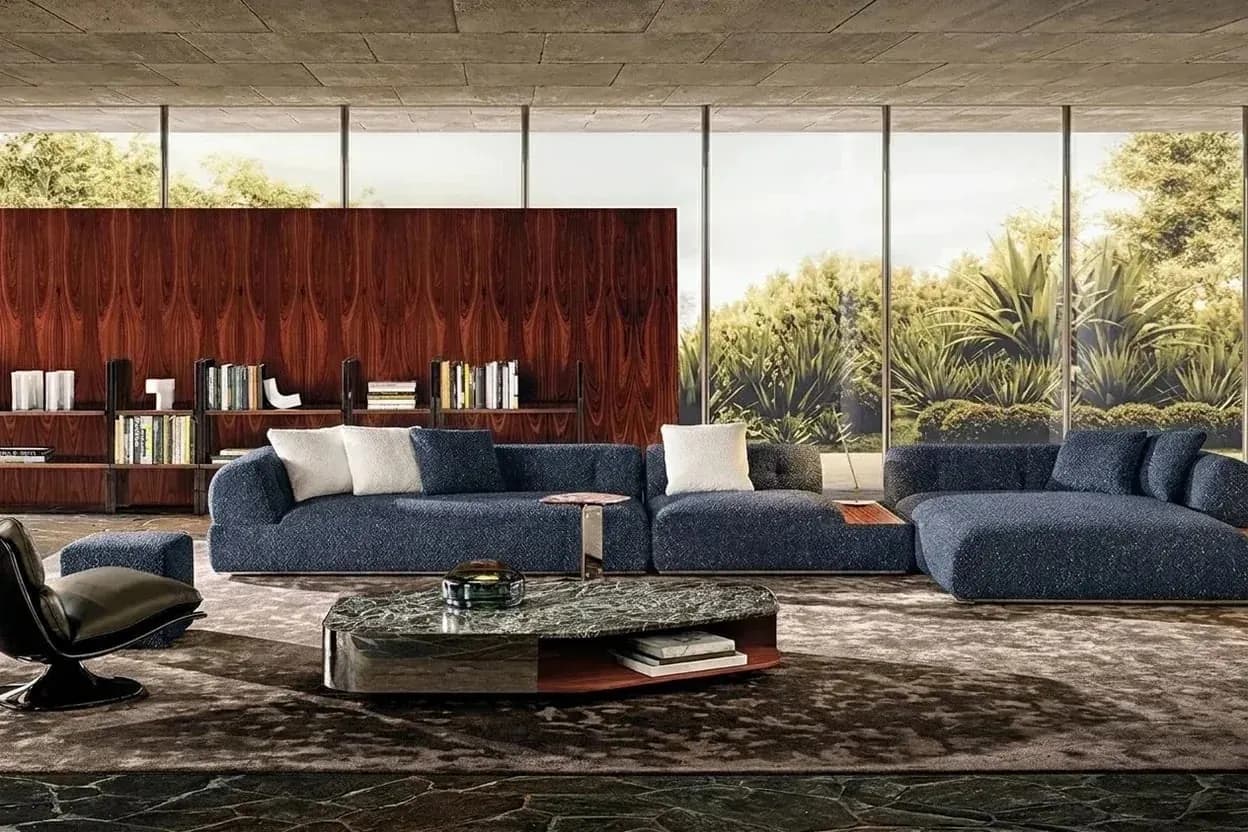
Built for this workflow
- Keep one complete source image as a stable comparison baseline
- Make upholstery, edges, and identity details easy to inspect
- Treat capture guidance as preparation advice, not a generation guarantee
What the furniture photo needs to show
Start with the product you intend to preview and record its SKU, finish, or owner-supplied identifier. The image should show the complete silhouette, including arms, back, cushions, legs, edges, seams, hardware, and floor-contact points where those details matter. Any logo or text that must be checked should remain readable enough for comparison.
This is different from photographing a fabric swatch. Furniture input is about product identity and visible surfaces; a swatch input is about weave, sheen, repeat, direction, and identifying information. Do not ask one image to prove both the furniture and the textile.
- Keep the product large enough to inspect without clipping its outline
- Avoid overlapping products, people, bags, or props
- Preserve the original file and note the intended fabric or scene workflow
Control the capture without forcing a white background
Use stable, neutral illumination that lets edges and upholstered regions remain visible. Avoid clipped highlights, deep shadows, colored light, strong reflections, extreme perspective, and backgrounds that hide the subject. A clean, non-distracting background helps review, but white is not a requirement; enough context can remain for a later room-scene workflow.
A phone may be a reasonable starting camera when it produces a sharp, complete image, but no particular device, lens, angle, resolution, or file extension is guaranteed to produce a usable candidate. Compare like with like by keeping the source unchanged.
- Choose a natural product angle rather than an extreme wide-angle view
- Keep exposure and light direction steady across a comparison set
- Reject glare or darkness that conceals upholstery, finish, or structure
Pre-upload handoff and recovery
Retain the original rather than uploading a compressed screenshot. Before cropping, confirm the outline, readable details, exposure, limited occlusion, and absence of unrelated products. Attach the SKU or finish identity to the review record using your own naming system; do not invent supplier metadata.
If a candidate input is weak, capture another controlled view or use a different baseline instead of trying to explain away missing structure. Keep the rejected source and the selected source separate so later comparisons remain interpretable.
Recommended process
- 01
Choose the product and workflow
Record the furniture identity and decide whether the source will answer a fabric-preview or room-scene question.
- 02
Capture candidate views
Photograph the complete product with stable neutral light, a natural angle, visible edges, and limited occlusion.
- 03
Reject weak inputs
Remove clipped, reflective, dark, compressed, obstructed, or mixed-product images from the baseline set.
- 04
Crop and upload one baseline
Keep the original unchanged, make one controlled crop if needed, and attach the product identifier for review.
Sources and method
These primary sources support method and platform constraints; they are not third-party endorsements of XinVise product outcomes.
- Product image requirements
Google Merchant Center
Provides Google-specific clarity, accuracy, and presentation context; it is not a universal channel requirement.
- GS1 Product Image Specification
GS1
Provides an industry reference for product views, naming, and image-asset governance.
Frequently asked questions
What is the best angle for a furniture source photo?
Use a natural angle that shows the full outline and the surfaces relevant to the intended preview. There is no universally required angle; avoid extreme perspective and choose a view that makes the SKU easy to compare.
Does the furniture need a white background?
No. A clean, non-distracting background can help, but the current workflow does not require white. Preserve enough separation and context that the product remains visible.
Can I use a phone photo?
You can try a phone photo if it is sharp, complete, and well lit. The phone model alone does not establish resolution, color, structural fidelity, or a reliable outcome.
Can one photo prove exact dimensions or construction?
No. A photograph cannot establish exact dimensions, hidden construction, or production feasibility. Generated candidates can also alter proportions, seams, material, text, or logos, so use product records and physical or technical evidence when those decisions matter.
Test with your furniture photo
Use one real product image as a controlled starting point for a visual candidate.
Test with your furniture photo