
How-to guide
How to create furniture room scenes without losing product identity
A useful furniture room scene begins with a publishing goal, not a random prompt. Define the channel, image dimensions, product prominence, room, style, and lighting. Generate a small number of controlled directions, then reject any result that changes the product's shape, proportions, material, or branding.
By XinVise TeamPublished Updated
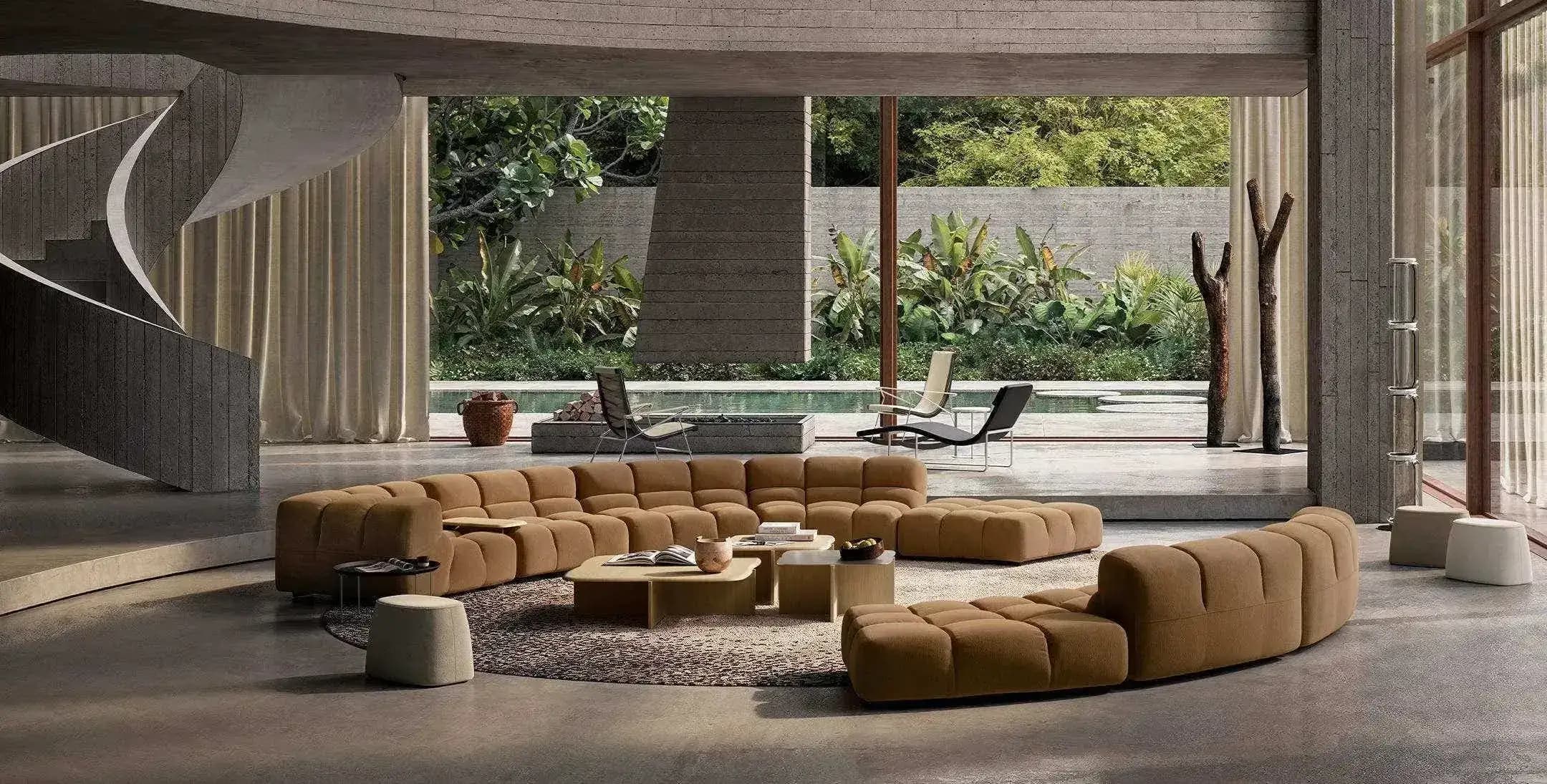
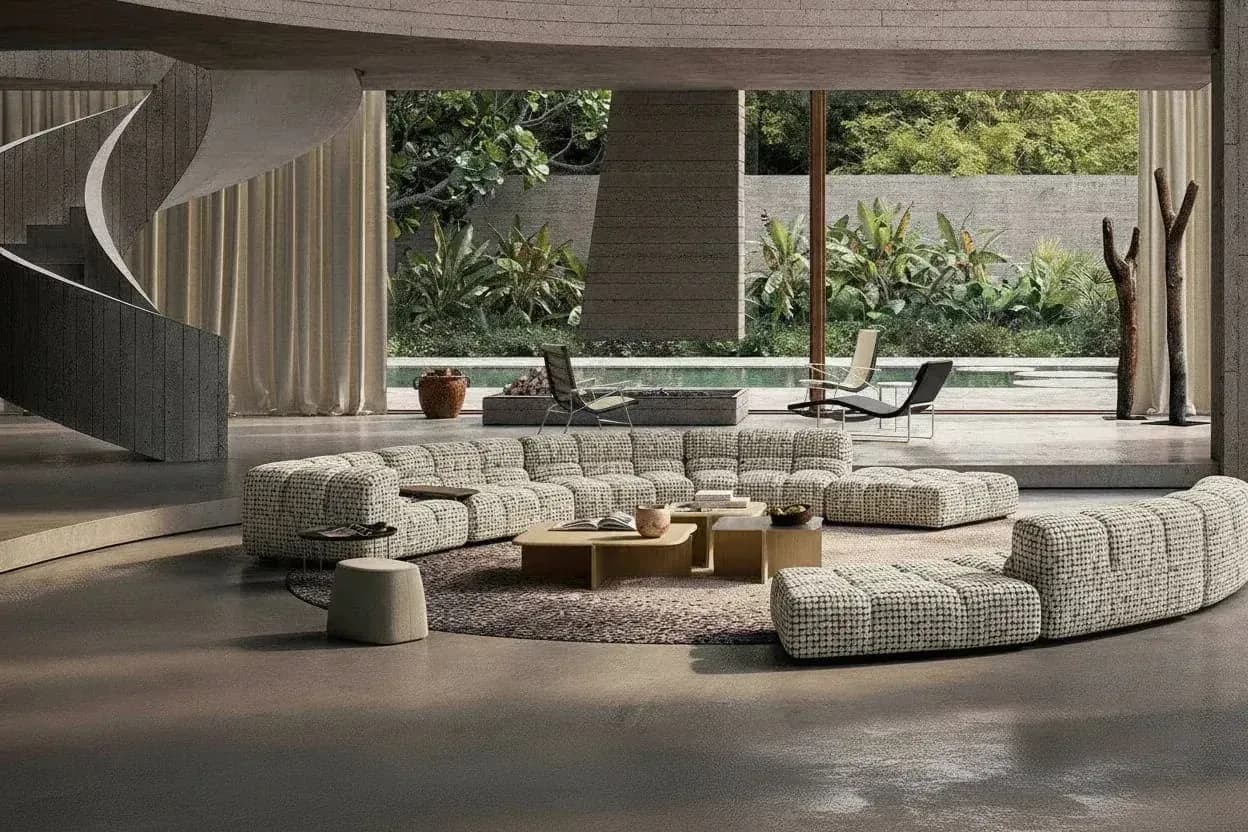
Built for this workflow
- Start from channel and composition requirements
- Control a small number of scene variables at a time
- Use a product-truthfulness checklist before publishing
Define the output before generating
A marketplace main image, a product-page lifestyle image, a social post, and a catalog spread need different framing and whitespace. Record the required aspect ratio, safe areas, product size, and message before choosing the room style.
Separate room, style, lighting, and camera direction
Room type, design style, lighting, and camera feeling are separate variables. Changing all of them in one instruction makes it difficult to identify why a product deforms or a composition fails.
- Room: living room, bedroom, dining room, or another defined setting
- Style: modern, minimal, natural, or a documented brand direction
- Lighting: window light, soft interior light, or another clear source
- Composition: front, three-quarter, centered, or intentional whitespace
Filter candidates with a truthfulness checklist
Check arms, legs, back, edges, texture, logos, and apparent dimensions. Then inspect floor contact, shadow direction, perspective, and occlusion. If a distinctive product feature changes, reject the candidate instead of explaining it away in copy.
Recommended process
- 01
Define the publishing target
Record channel, dimensions, product prominence, whitespace, and brand direction.
- 02
Clean the product input
Choose a sufficiently large, sharp photo with clear edges and no major occlusion.
- 03
Generate a few directions
Control only a small number of room, style, and lighting variables in each round.
- 04
Review and finish
Check product preservation and scene credibility, then retouch when required.
Sources and method
These primary sources support method and platform constraints; they are not third-party endorsements of XinVise product outcomes.
- Product image requirements
Google Merchant Center
Defines accuracy, clarity, and policy expectations for commerce images, helping separate generated scene candidates from formal product imagery.
- GS1 Product Image Specification
GS1
Provides a reference for consistent product views and image-asset management across SKU collections.
Frequently asked questions
What furniture product image works best for a room scene?
A complete subject with clear edges, a natural view, sufficient resolution, and limited occlusion generally provides a stronger input.
Should I generate many scenes at once?
First validate product preservation and visual direction with a small set. Scaling generation without a reviewer scales errors as well as usable output.
How can a SKU collection stay visually consistent?
Fix the input specification, room direction, lighting, aspect ratio, and review checklist. Record reusable settings and exceptions.
Do AI furniture scenes require disclosure?
Check the rules for the publishing region, platform, and advertising use. Avoid presenting generated content in a way that misleads customers about the actual product.
Create the first scene from one product image
Choose one room and one clear use case, then verify how well the product is preserved.
Start scene generation