
Manufacturer workflow
AI furniture visualization workflow for manufacturers
Use an identified product photo and a named textile direction to create reviewable variant candidates for range review, proposals, or launch preparation. Keep physical samples, product specifications, and production review for physical and production decisions; an attractive image is never production approval.
By XinVise TeamPublished Updated

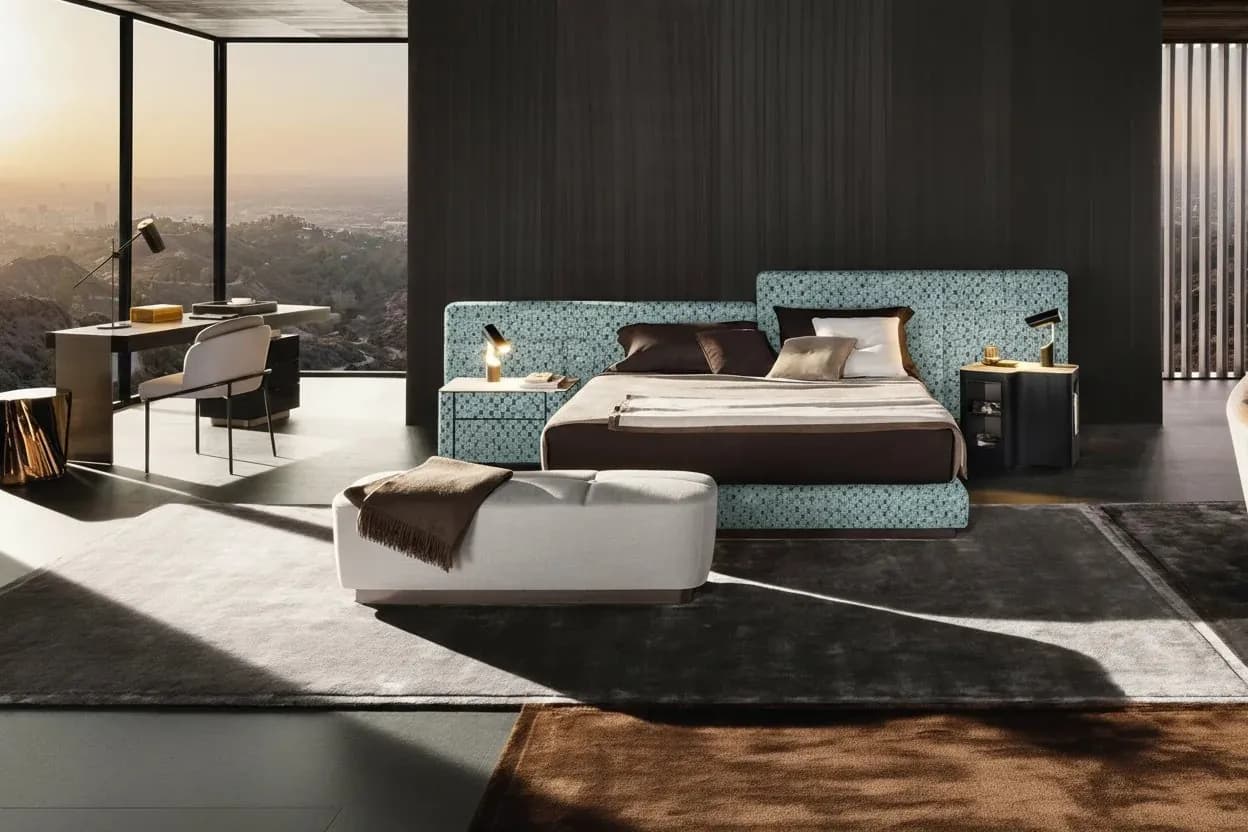
Built for this workflow
- Keep SKU, finish, source, and fabric ID together
- Review structure before judging the upholstery direction
- Hand visual candidates to product and textile reviewers with open questions
Start with one traceable SKU baseline
Record the SKU or style identity, finish, intended use, and the features that must not change. Use one complete furniture source photo as the baseline so every candidate answers the same variant question. If a manufacturer-owned swatch or collection is not available in the current public library flow, treat it as a scope question for evaluation rather than implying arbitrary upload support.
- Keep silhouette, arms, back, cushions, legs, seams, hardware, text, and logos visible
- Record the owner-supplied fabric name or ID
- Keep the unchanged source available for every comparison
Generate a controlled variant comparison
Prepare the furniture image and textile input using the relevant photo and swatch guidance, then use the current fabric-preview flow with an available fabric selection. Compare a single candidate or a small controlled set on the same baseline. The result is a visual direction, not a measurement, color-management proof, or production drawing.
- Hold the product image and review size constant
- Check coverage, direction, repeat, sheen, and apparent texture
- Do not infer hand feel, durability, construction, or exact scale from pixels
Make review and handoff explicit
A product owner should check identity, outline, proportions, seams, hardware, text, and branding. A textile or upholstery reviewer should check coverage, pattern direction, repeat, and specification boundaries. Content or channel owners decide whether a candidate fits a named proposal or launch-draft use. Record pass, hold, or reject with the reason and unresolved questions.
- Attach SKU, fabric ID, source, candidate, reviewer, date, and intended use
- Separate approved-for-purpose from production approval
- Attach physical samples and specifications for physical decisions
Recommended process
- 01
Lock the SKU baseline
Record the product identity and non-negotiable structure before preparing any variant.
- 02
Prepare the inputs
Use a complete furniture photo and an identified available fabric direction; ask for scope evaluation when an owned library is required.
- 03
Compare candidates
Generate a small comparable set and inspect product identity, upholstery coverage, direction, repeat, seams, and branding.
- 04
Hand off with a decision
Record pass, hold, or reject for the stated use and send open questions plus physical specifications to the responsible owner.
Sources and method
These primary sources support method and platform constraints; they are not third-party endorsements of XinVise product outcomes.
- GS1 Product Image Specification
GS1
Provides a reference for product views, identifiers, naming, and asset governance; it does not prove AI structure or production outcomes.
- About color profiles
Adobe
Explains screen, profile, and device differences so visual candidates remain separate from physical color approval.
Frequently asked questions
Does the source need a white background?
No. A clean, non-distracting background can help, but the important requirements are a complete, identifiable product and visible details. Use the furniture-photo guidance for capture decisions.
How should several fabrics be compared?
Keep one representative SKU image, crop, and review size fixed, then compare identified fabric directions one at a time or as a small controlled set. Preserve the source with every candidate.
What if seams or pattern scale change?
Put the candidate on hold or reject it for the defined use when seams, coverage, direction, repeat, structure, text, or branding change beyond the review question. Route it to retouching or another method when needed.
Can a generated candidate replace sampling?
No. Use it to narrow visual options and prepare a proposal. Physical color, weave, hand feel, dimensions, construction, and production decisions still require samples, specifications, and responsible review.
Discuss a manufacturer workflow evaluation
Share representative SKUs, fabric combinations, intended use, and acceptance questions so the scope can be reviewed without promising a pilot result or integration.
Submit representative SKUs