
Furniture lifestyle imagery guide
How to turn a furniture product photo into a credible lifestyle-scene candidate
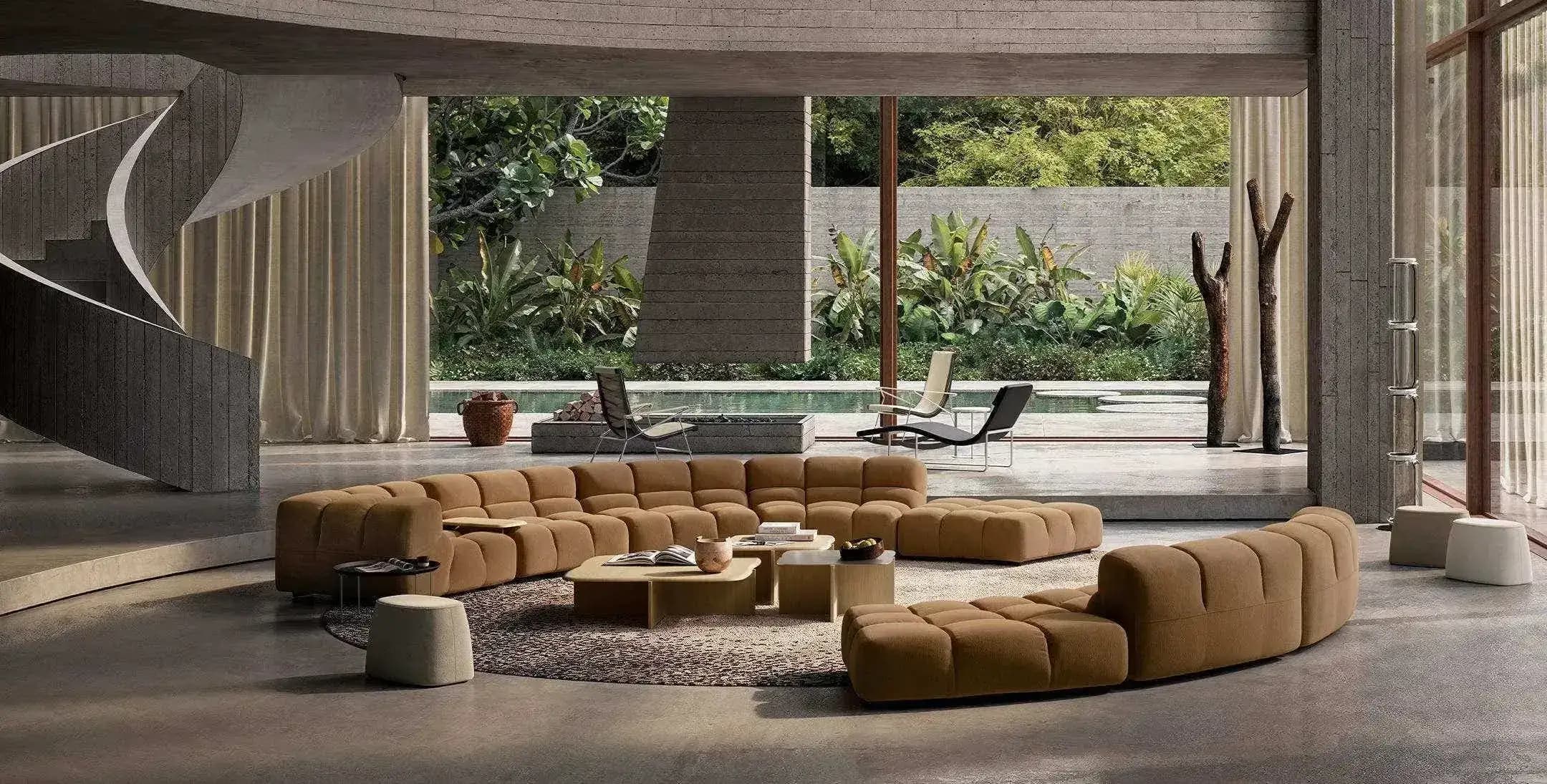
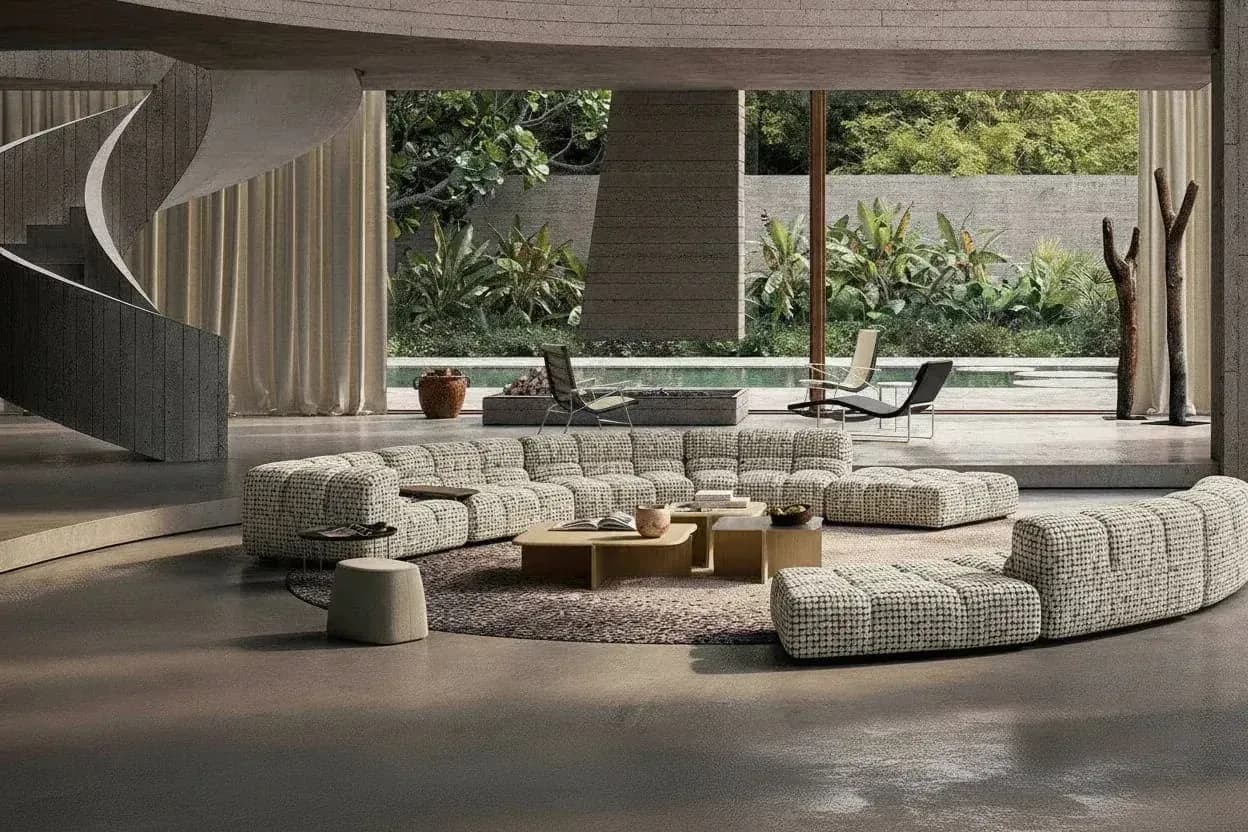
Turning a standalone furniture product photo into a lifestyle scene requires more than changing the background. A useful candidate must preserve the product while establishing believable scale, perspective, floor contact, lighting, and composition. AI can accelerate room-direction exploration, but ecommerce and campaign use still require a reviewer to compare the generated scene with the real product and the publication rules of the intended channel.
By XinVise TeamPublished Updated
Built for this workflow
- Define the room and publishing goal before generating
- Review product identity separately from room attractiveness
- Treat generated scenes as candidates until channel checks are complete
Prepare a product photo that preserves the complete silhouette
Use a sharp image that shows the whole furniture item without clipped feet, arms, back, or edges. Avoid strong perspective distortion and heavy occlusion. Distinctive materials, seams, hardware, logos, and proportions should be visible enough to compare with the generated result.
- Prefer a high-resolution original instead of a compressed marketplace screenshot
- Keep product edges and floor-contact points visible
- Record the exact product and finish represented by the source image
Write one coherent lifestyle-scene direction
Specify the room type, broad style, lighting direction, camera intent, and required whitespace. Avoid combining conflicting interiors or asking one candidate to solve product detail, a hero campaign, marketplace compliance, and every crop at once.
Generate a small comparable set. A consistent direction makes it easier to judge whether variation comes from composition quality or uncontrolled changes to the product.
Run a product-truth and channel review before publishing
Compare outline, apparent dimensions, material, color, hardware, text, logos, perspective, contact shadow, and light direction with the source. Reject visually attractive scenes that no longer represent the actual SKU.
A lifestyle candidate and a formal product image have different jobs. Confirm the target marketplace, advertising, disclosure, and image requirements before replacing or supplementing a primary product image.
- Check the product before evaluating décor
- Check crops at the actual channel dimensions
- Keep the original image and review notes with the approved asset
Recommended process
- 01
Choose the source product image
Use a complete, sharp photograph with visible identity details and contact points.
- 02
Define one scene brief
State the room, style, lighting, camera intent, and publication channel.
- 03
Generate a small candidate set
Keep the brief stable so composition and product preservation can be compared.
- 04
Review product truth
Verify shape, material, scale, perspective, shadows, text, and channel requirements before use.
Sources and method
These primary sources support method and platform constraints; they are not third-party endorsements of XinVise product outcomes.
- Product image requirements
Google Merchant Center
Defines product-image accuracy and quality expectations that remain relevant when evaluating generated lifestyle candidates.
- GS1 Product Image Specification
GS1
Provides a reference for product views, naming, and consistent image-asset governance across SKUs.
Frequently asked questions
Does a furniture lifestyle scene require a 3D model?
Not for a photo-based AI workflow. A qualified 3D model is a better choice when exact dimensions, repeatable cameras, or controlled multi-angle output are mandatory.
What makes a furniture scene look pasted in?
Common causes include inconsistent scale, perspective, floor contact, shadow softness, light direction, edge quality, and a camera angle that does not fit the room.
Can a generated lifestyle scene become the main ecommerce image?
That depends on the channel and the image. Review product accuracy and the platform's current requirements; keep a truthful source image available where the primary image must show the product directly.
How should a team scale the workflow across many SKUs?
Define source-image rules, reusable scene briefs, output sizes, naming, product-truth checks, exception handling, and approval ownership before increasing volume.
Build one room-scene candidate from a real product photo
Use a clear source image and one focused scene direction for the first comparison.
Create a furniture scene