
Ecommerce image QA
Check an ecommerce view set without inventing an unseen side of the furniture
For ecommerce, compare each existing product view and its scene candidate against the corresponding identified source. Keep geometry, visible features, material direction, light, contact and shadows reviewable across the set. A coherent mood does not prove the same product or physical fit. This is a manual review workflow, not a turntable generator, fixed-camera system or guarantee of consistent multi-angle output.
By XinVise TeamPublished Updated
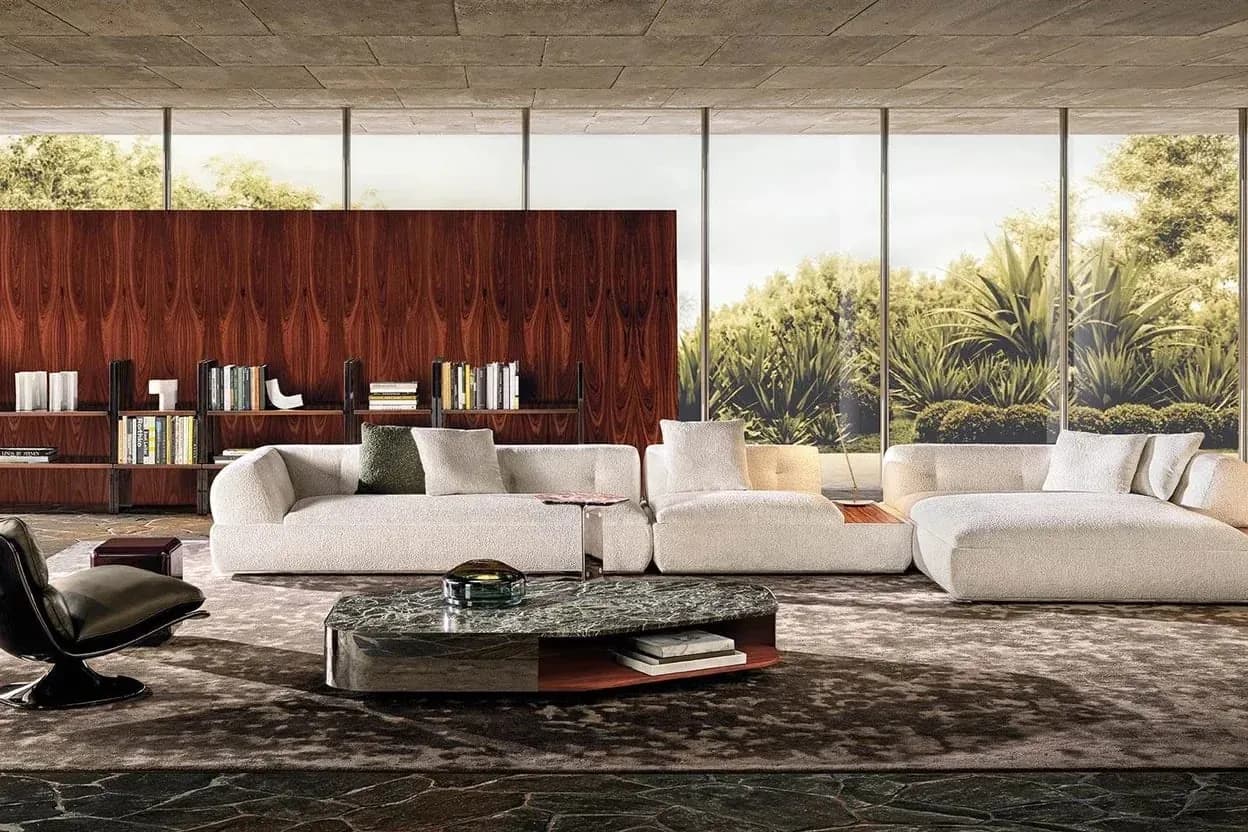
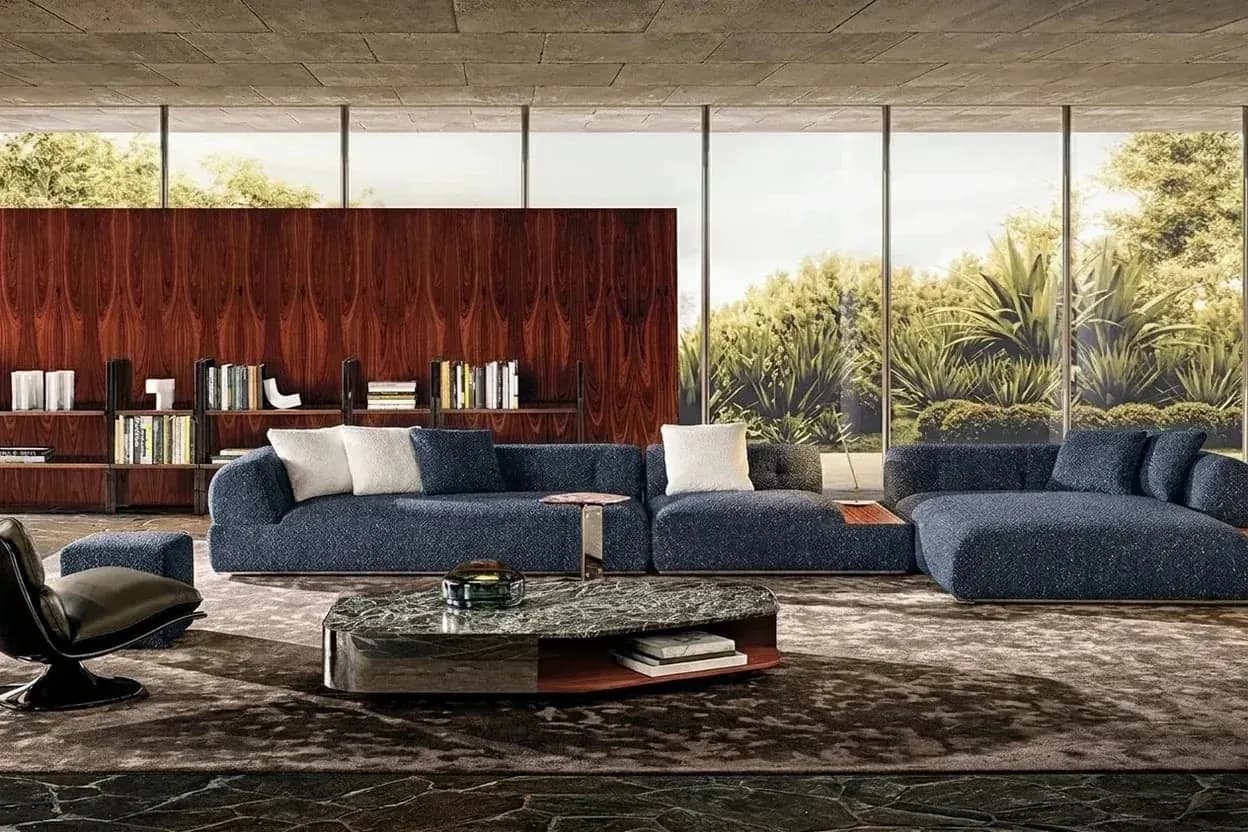
Built for this workflow
- Keep each candidate paired with its own real source view
- Reject inconsistent identity before polishing scene mood
- Separate missing viewpoints from defects that can be reviewed
Inventory existing views before writing a scene brief
Identify the SKU, supplied finish, source version and view represented by each photograph. A front source does not prove the back, underside or concealed construction. If a required view is absent, request a real source or evaluate a qualified 3D workflow; do not approve an invented side as a documented product view.
Write the intended use, crop, aspect ratio and channel requirements, then use a stable room/style/light brief where comparison is appropriate. The scene controls support candidate exploration, not exact camera reproduction or physically calibrated lighting. Sign-in and available credits still apply, and a successful request does not establish a usable image set.
Begin with the room-scene workflow and the retail/ecommerce role checklist.
Review product identity across the set before lighting
Check silhouette, arms, legs, cushion count, hardware, seams, text and logos against each view's own source and the shared product record. Apparent differences caused by perspective are not permission to alter construction. Hold ambiguous comparisons and reject conflicting product identity instead of calling the scene coherent.
Dimensions supplied to a layout remain input records, not measurements recovered from pixels. If fit, clearance or exact camera relationships matter, obtain product/room dimensions and a controlled technical workflow. A consistent aspect ratio or matching background does not prove geometry.
Separate lighting, contact and material observations
Inspect the apparent light direction and softness, highlight placement, floor contact, cast shadows, reflections and occlusion for each image. Compare the intended brief with the visible result, recording differences as observations rather than measured lux, color temperature or physically correct light transport.
Watch whether apparent weave, sheen, repeat direction or color changes in a way that conflicts with the supplied reference. Review capture conditions and viewpoint before attributing it to a different textile. No exact lighting lock, universal numeric tolerance or automatic shadow repair is established; physical color and material decisions still use samples and specifications.
Use fabric texture and sheen boundaries when evaluating material appearance, not to infer a physical property from a highlight.
Accept a named delivery set or stop and change method
Record source/candidate pairs, the shared brief, reviewer role/date, accepted/held/rejected states and unresolved view gaps. A local editable defect may go to a defined retouching step; an unseen critical feature requires a real source or suitable model. Count rejected views when discussing usable output, rather than counting every generated image as delivered.
A channel owner must review the actual primary or auxiliary image requirements, rights and any disclosure rules. Passing internal consistency does not guarantee a marketplace accepts the set. If the job needs controlled views or real-product documentation, use the cost-evidence comparison to decide whether 3D or a shoot is more suitable; no time, reshoot or conversion saving is measured here.
Compare AI, 3D and reshoots by required evidence; hand textile questions to the digital shortlist review.
Recommended process
- 01
Identify each source view
Record product/version and required views; keep missing sides explicitly unresolved.
- 02
Fix the intended image set
Declare channel, crop and scene brief without treating controls as a calibrated camera or lighting lock.
- 03
Review identity then appearance
Compare each source/candidate pair for construction, light, contact, shadows and material continuity.
- 04
Deliver or change method
Keep the review states and view gaps; use retouching, qualified 3D or a real shoot when the evidence requires it.
Workflow comparison
| Set-review parameter | Human comparison | Hold or escalation |
|---|---|---|
| View/source pairing | Supplied SKU, view, version and matching candidate | Missing rear/hidden construction requires real evidence, not an invented angle |
| Product invariants | Outline, arms/legs, cushion count, hardware, seams and branding | Reject conflicting identity even when the room style matches |
| Light and highlights | Apparent direction/softness and reference/capture conditions | No calibrated lighting value or exact cross-view light lock |
| Contact and occlusion | Floor support, cast shadows, reflections and hidden important features | Hold local defects; reject invented support or concealed identity |
| Material continuity | Visible weave, sheen, repeat direction and color observations | Physical sample/specification required for physical-color or material claims |
| Channel delivery | Accepted/held/rejected set, rights, crop and actual channel review | No automatic platform approval or measured conversion result |
Sources and method
These primary sources support method and platform constraints; they are not third-party endorsements of XinVise product outcomes.
- Product image requirements
Google Merchant Center
Provides Google-specific accuracy and presentation context; it is not universal platform policy or legal advice.
- GS1 Product Image Specification
GS1
Provides an industry reference for product-image views, naming, versioning, and asset governance.
Frequently asked questions
Can one front photograph generate verified views of every side?
No. A generated unseen side is not product evidence. Obtain missing source views or evaluate a qualified model when those details matter.
Do identical scene controls guarantee matching lighting?
No. Use them as a consistent brief, then inspect each candidate. The controls do not establish fixed cameras, calibrated light or automatic shadow correction.
Is a coherent view set automatically acceptable for ecommerce?
No. Check product truth, rights, actual channel and primary/auxiliary image rules with the responsible owner. An internal visual pass is not marketplace approval.
When should I stop generating and use 3D or photography?
When the required view, geometry or real-product evidence cannot be reviewed from the available inputs. Define the unresolved need first; neither method is universally faster or cheaper.
Open a scene workflow with an identified source
Prepare the actual view, intended use and review questions, then resolve sign-in and credits before a bounded candidate.
Open the scene workflow