
Studio-to-scene pair review
Keep the actual product and photo roles aligned before judging cross-scene color
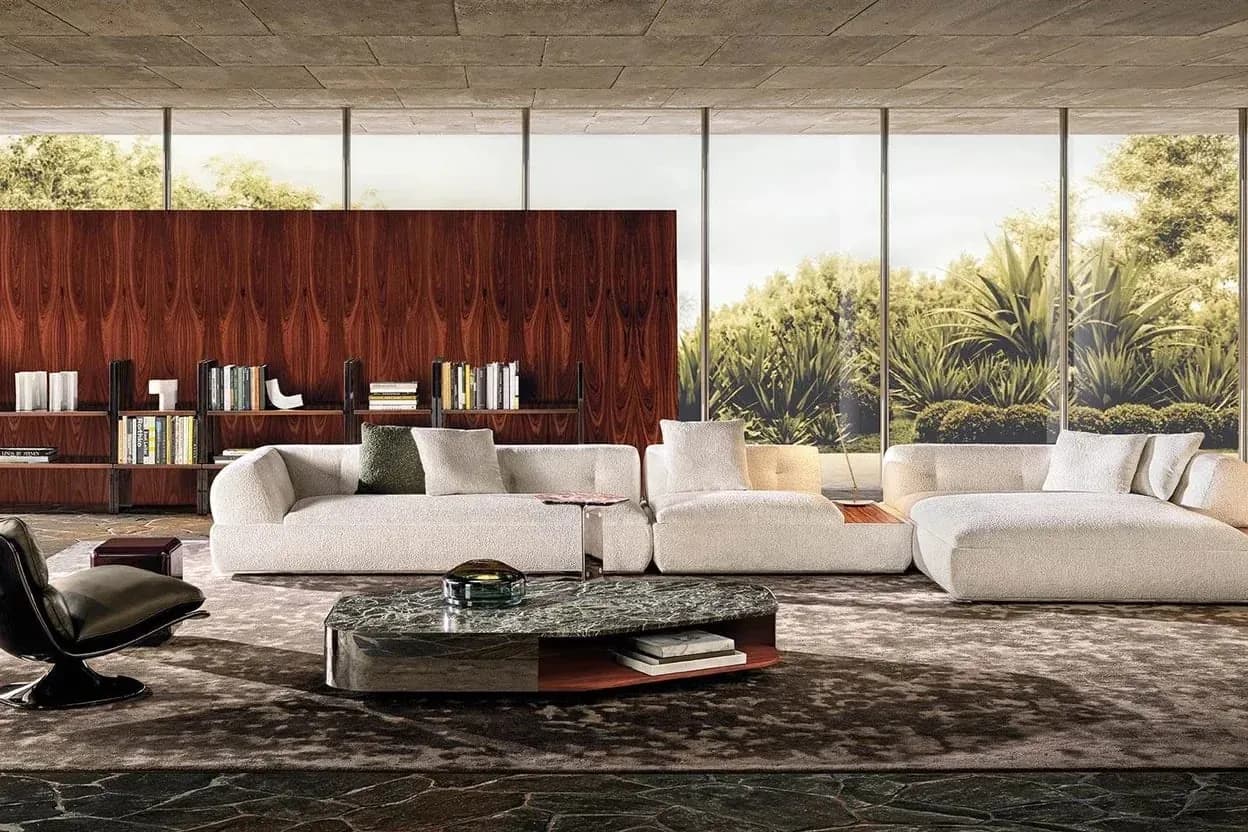
When a studio product photo and an AI lifestyle scene are used for one SKU, retain actual product/material identities, source versions and known light/view conditions. Review apparent differences without forcing different scenes into identical pixels. This manual pair review does not lock lighting, calibrate color, measure a physical difference or prove the generated room is an actual capture.
By XinVise TeamPublished Updated

Built for this workflow
- Confirm actual SKU/article mapping across image roles
- Record known conditions instead of assuming comparability
- Keep screen appearance and physical material color separate
Identify the actual studio and scene references
Retain supplied SKU/variant, article/color and source versions. Mark which image is actual photography, a catalog reference, generated or retouched. A similar silhouette or color palette is not enough to establish the same variant.
Do not label a generated room as a real studio/site capture. Unknown article or source mapping stays held before discussing color consistency.
Use the textile identity shortlist before assigning an article name to the pair.
Compare product truth before apparent color
Check product outline, modules, seams, legs, hardware and labels against the real source. A pleasing scene cannot excuse a changed product, even when its upholstery resembles the white-background image.
Then record apparent color and highlight/shadow differences with their actual image references. Keep known light/view changes explicit rather than silently recolor one image and call it the same observed condition.
Use the image-quality checklist and extreme-tone detail review.
Do not turn cross-scene resemblance into physical color evidence
Different actual or generated scene conditions can change appearance. This guide gives no RGB target, color-difference tolerance, automatic color lock or calibrated studio-to-scene transform.
Physical color, finish and performance need actual identified samples and applicable specifications/review. A digital pair may support a visual discussion but cannot certify the material or every production lot.
Use the physical-sample boundary for material decisions.
Handoff pair-specific use and remaining limits
Keep actual identities, photo/scene roles, source/candidate versions, known conditions, intended use, reviewer/date and holds. Product, article or source changes require relevant re-review.
Public generation needs sign-in, credits and available catalog scope; it does not guarantee cross-image consistency. Rights and actual channel review remain separate, with no measured fidelity or conversion result published here.
The multi-angle lighting review owns the wider view set; use the DAM checklist for actual delivery.
Recommended process
- 01
Confirm actual pair identity
Keep SKU/article and source roles without treating look-alike images as the same variant.
- 02
Review product and conditions
Check identity first, then record apparent differences and known light/view changes.
- 03
Hold physical color claims
Use real samples/specifications rather than identical pixels or an invented tolerance.
- 04
Deliver bounded pair status
Retain versions, roles, use, reviewer/date and unverified conditions.
Workflow comparison
| Studio-scene field | Actual reference | Not established |
|---|---|---|
| SKU/article | Supplied variant/material and source version | Palette similarity is not identity |
| Image role | Actual photo/catalog/generated/retouched distinction | AI scene is not a real capture |
| Product truth | Original outline, components, seams and labels | Color resemblance does not excuse redesign |
| Known conditions | Actual light/view and recorded changes | No locked light or calibrated comparison |
| Color evidence | Actual samples and applicable requirements | No RGB/difference threshold or physical match |
| Handoff | Pair versions, roles, use, date and holds | No consistency, fidelity or conversion benchmark |
Sources and method
These primary sources support method and platform constraints; they are not third-party endorsements of XinVise product outcomes.
- Product image requirements
Google Merchant Center
Provides Google-specific accuracy and presentation context; it is not universal platform policy or legal advice.
- GS1 Product Image Specification
GS1
Provides an industry reference for product-image views, naming, versioning, and asset governance.
Frequently asked questions
Does the same SKU guarantee identical screen color in every scene?
No. Confirm actual article identity and record known conditions; different scenes can change appearance without establishing a calibrated comparison.
Can a generated lifestyle room be labeled a real studio capture?
Not as actual capture evidence. Retain its generated role and obtain appropriate source/rights review for the intended use.
Does the workflow automatically lock color between studio and scene images?
No guarantee or measured transform is established here. This is manual source-linked pair review.
Does a convincing pair prove physical textile color?
No. Actual identified samples, relevant specifications and responsible review remain necessary.
Discuss actual photo/scene references
Bring minimal approved SKU/article identities and known-condition questions without assuming a physical color guarantee.
Discuss studio-scene review